
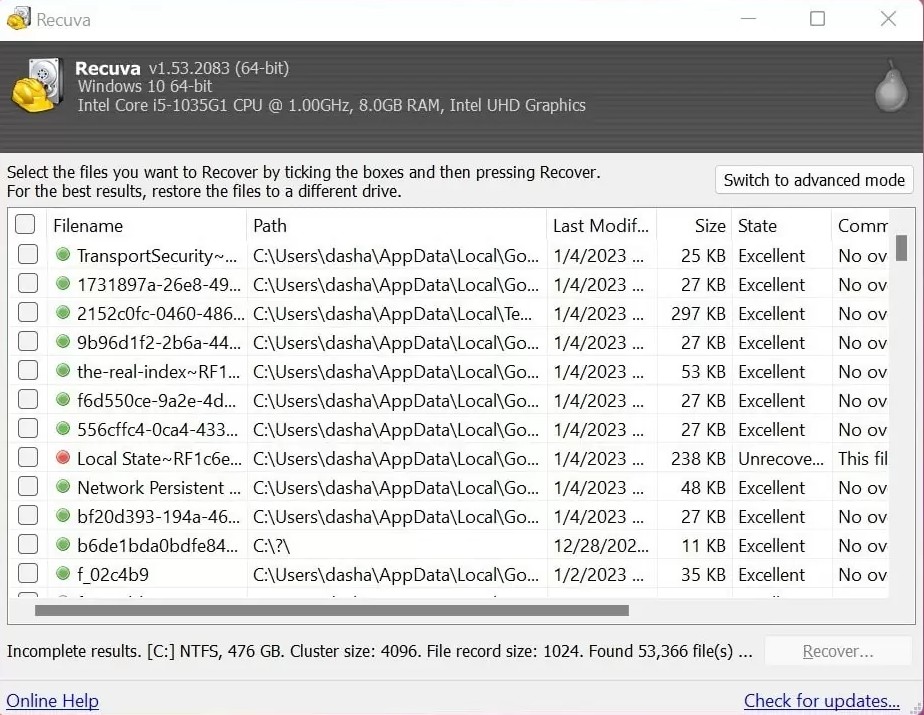
Windows repair and check utilities can move data, truncate “orphan” clusters, or rebuild metadata to make the volume consistent again. That is often good for getting the disk mountable, but it can shrink what a classic undelete pass can see afterward.
If the only copy of lost files lives on the sick volume and the disk is still readable, consider imaging or read-only recovery attempts before you approve aggressive repair. If the volume will not mount at all, you may have no choice; just know the trade-off.
Before you click Repair
- Read the full dialog; “scan and fix” from Explorer is not always a no-op for deleted-file recovery.
- Defragmentation and heavy background optimisation move data around, another reason to pause optional maintenance during recovery.
- When in doubt on valuable data, clone first, experiment on the copy.
SD cards and “fix” prompts: SD cards & readers.