Guide
When to use Deep Scan
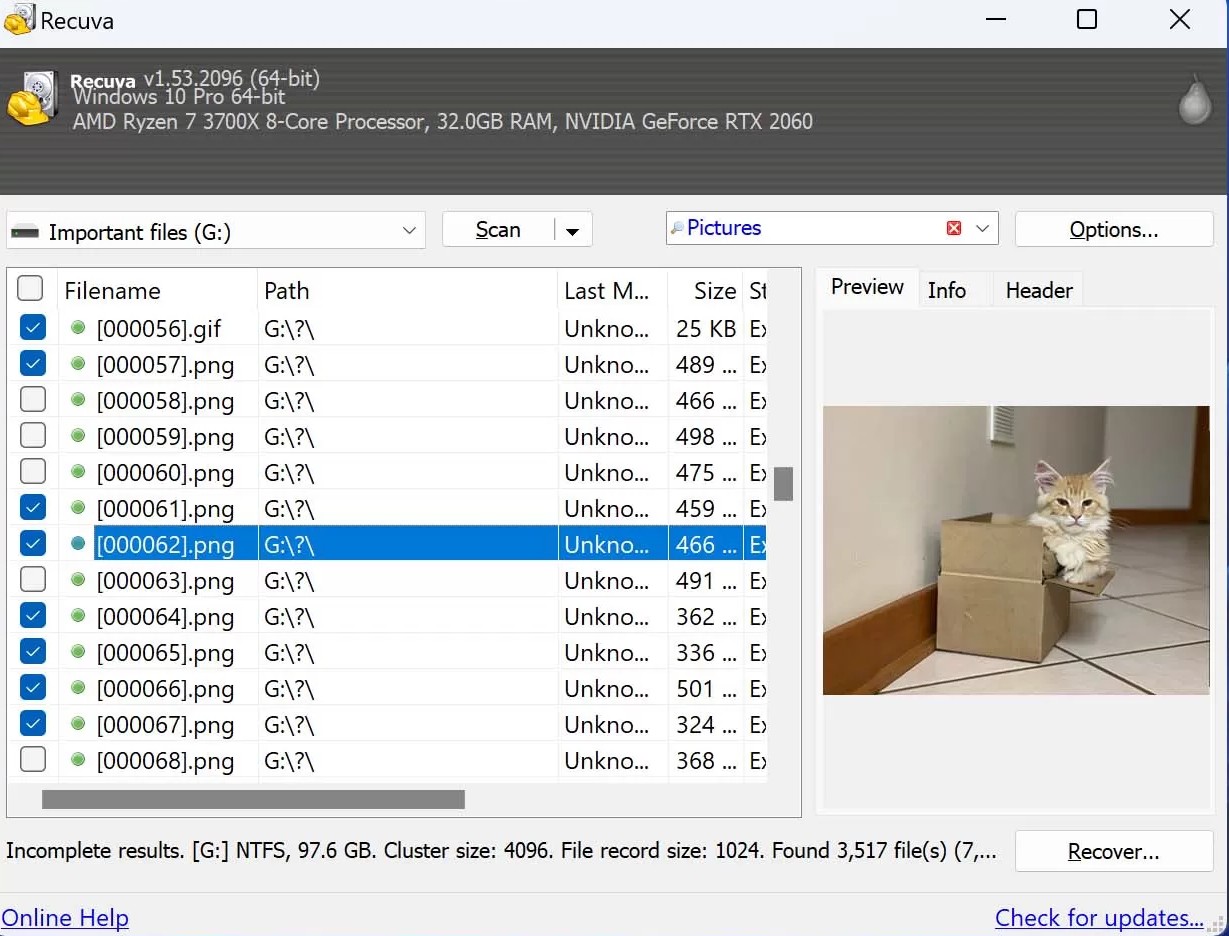
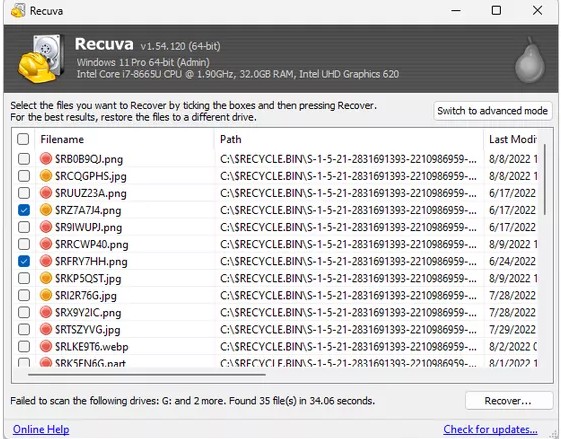
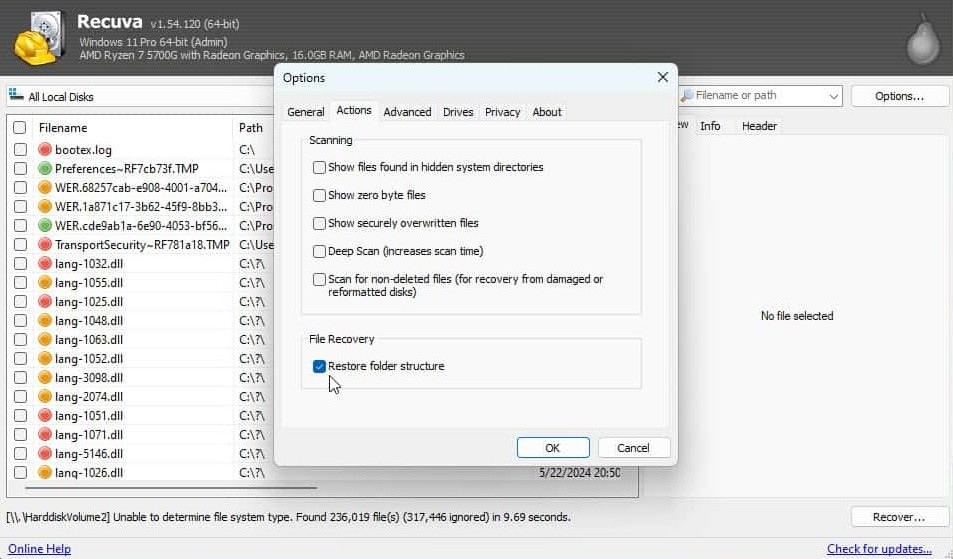
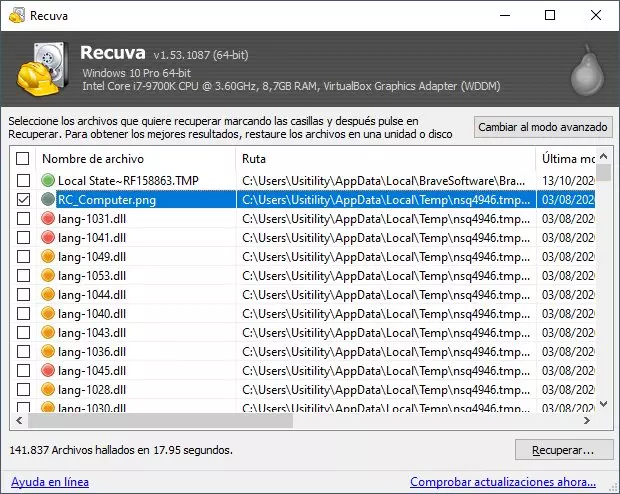
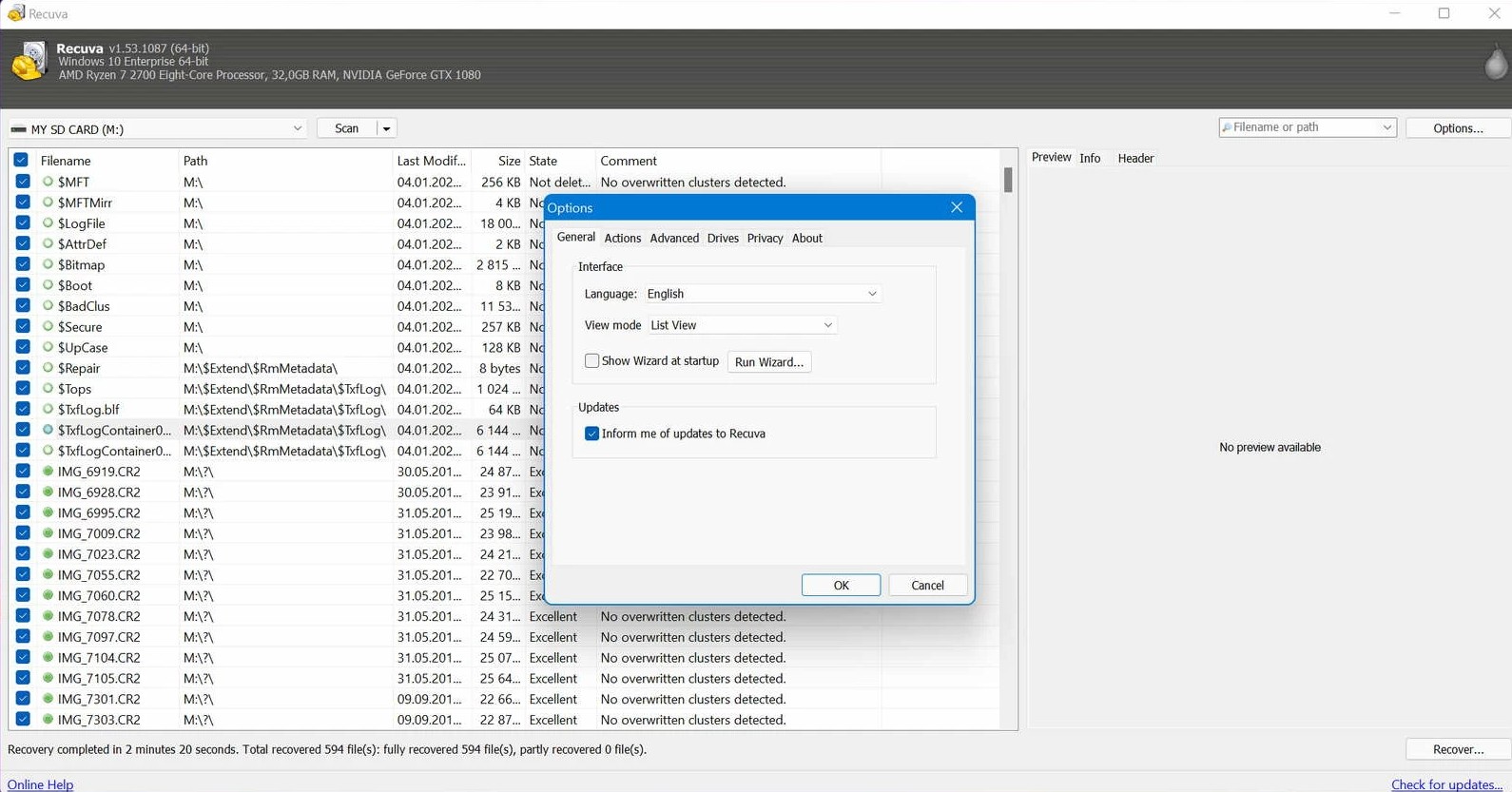
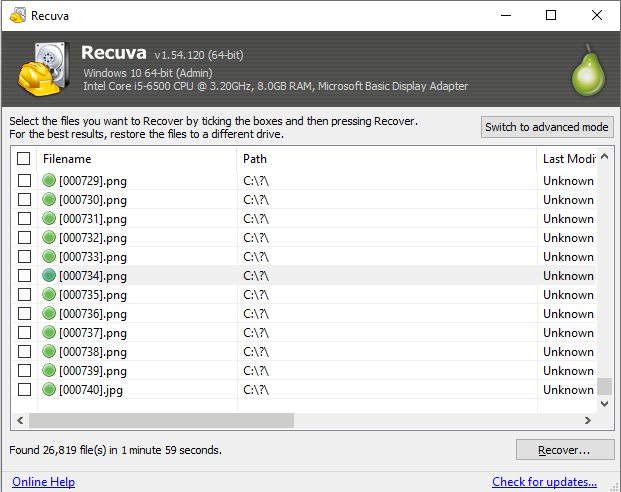
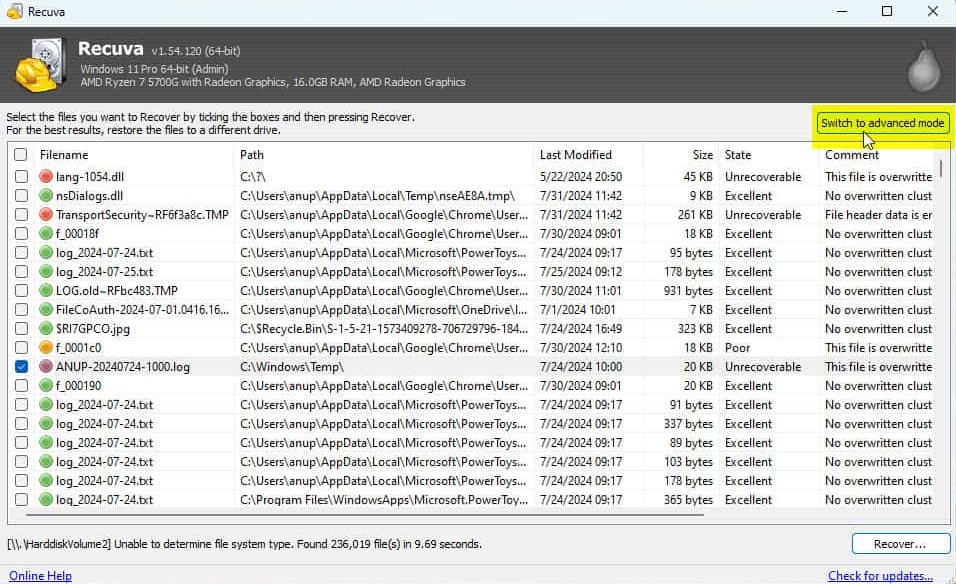
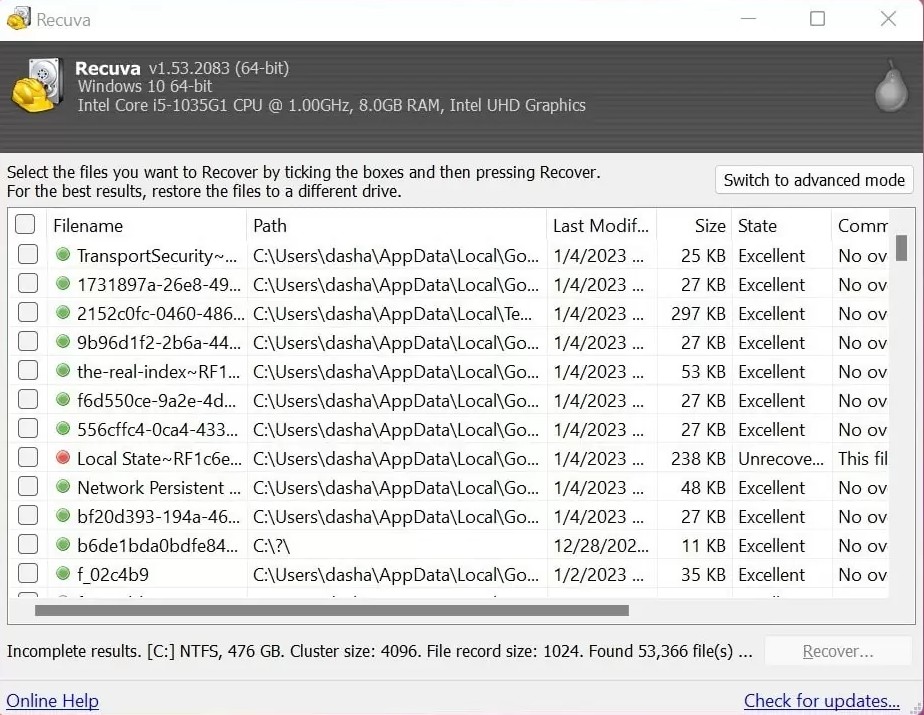
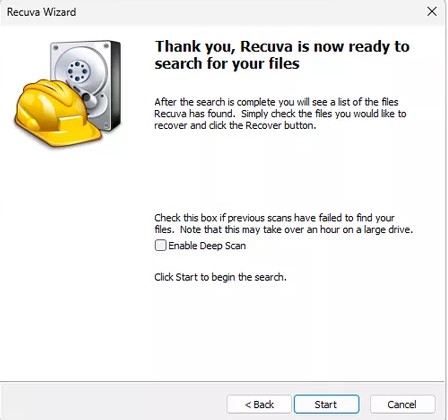
A normal scan leans on directory metadata; Deep Scan walks signatures when names and folders are gone. Know when to switch and how to filter noisy results.
Continue reading ↓Reading
Focused notes you can read in a few minutes. For the interface walkthrough, Program; for device context on Windows, How it works. When something breaks mid-run, start with Fixes.
Articles below go deeper than the home page blurbs but stay practical: when to change scan mode, how SSDs and cards behave, and how Windows storage habits change your odds.
Guide
A normal scan leans on directory metadata; Deep Scan walks signatures when names and folders are gone. Know when to switch and how to filter noisy results.
Continue reading ↓SSD
TRIM keeps SSDs fast but shortens classic undelete windows. What to expect on internal, external, and encrypted volumes.
Continue reading ↓Media
Readers, hubs, and “scan and fix” prompts can derail recovery before the software runs. Practical workflow for cards and phones.
Continue reading ↓Windows
Soft deletes keep metadata longer than Shift+Delete. What to try when the easy pass returns nothing.
Continue reading ↓Disks
NTFS, exFAT, and FAT32 change how names survive and where recovered files can land. Quick checks before you blame the tool.
Continue reading ↓Cloud
Online-only placeholders may have nothing to scan locally. Start with provider recycle bins before a long Deep Scan.
Continue reading ↓Power
Laptops sleep mid-scan; external enclosures spin down on their own. Keep power stable for multi-hour Deep Scan runs.
Continue reading ↓Workflow
Saving onto the volume you are scanning overwrites clusters you still need. A short checklist for safe destinations.
Continue reading ↓Images
VHD, VHDX, and ISO mounts look like real drive letters. Recover through them, but write results to physical disks.
Continue reading ↓Caution
Repair utilities can make a volume mountable while shrinking what undelete can see. Read dialogs before you approve fixes.
Continue reading ↓